How to Use studysesh
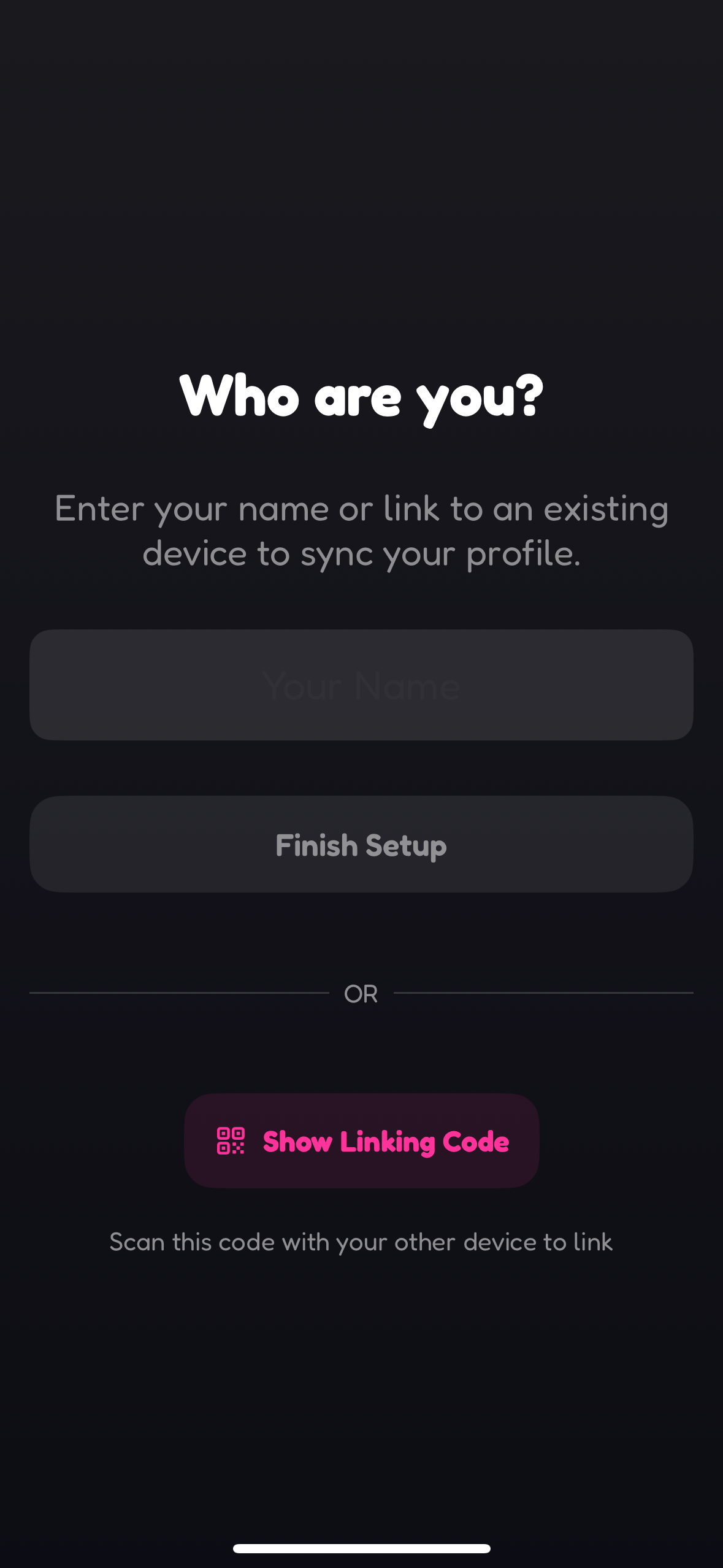
1. Sign Up
Create your studysesh account or link to another device to get started.
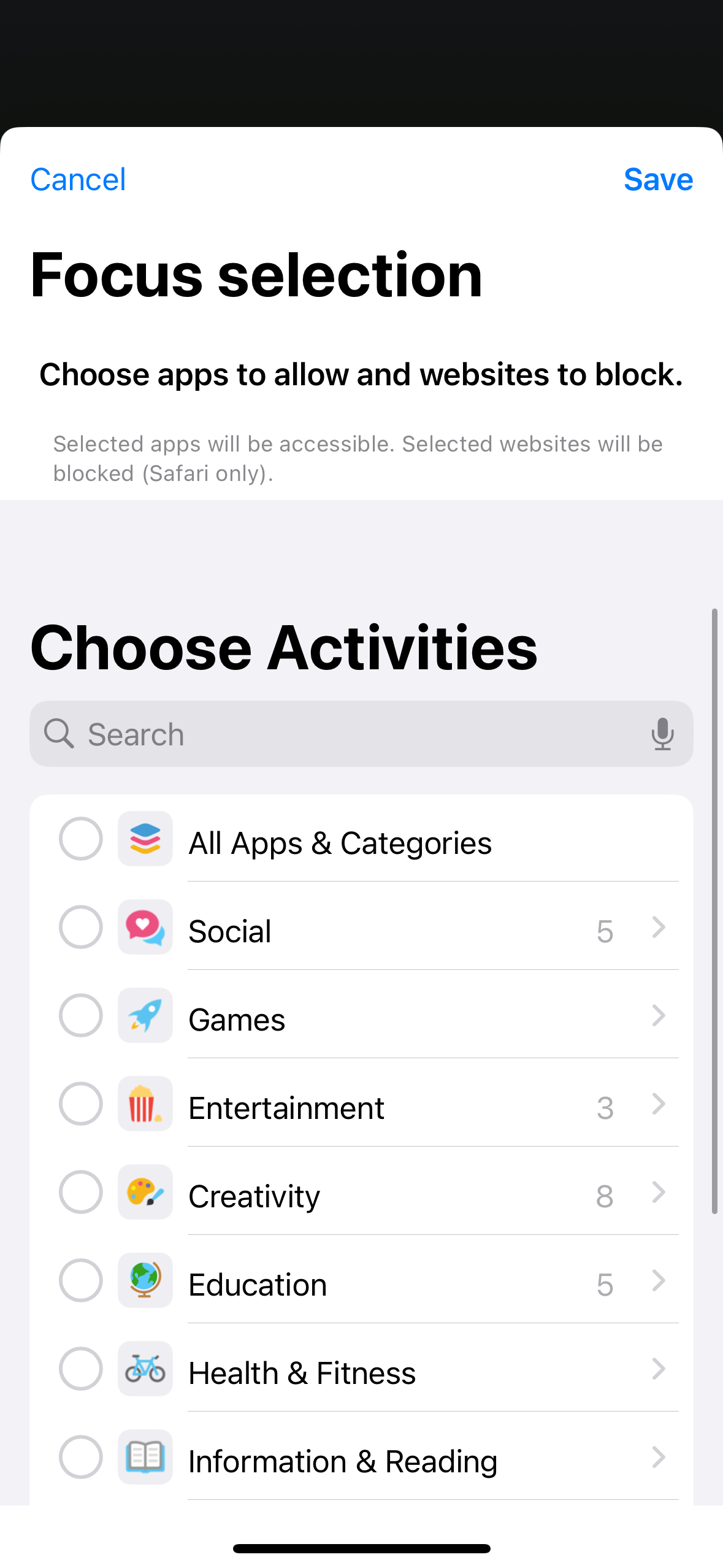
2. Choose Focus Settings
Select apps to allow and websites to block.
Note that websites will only be blocked on Safari.
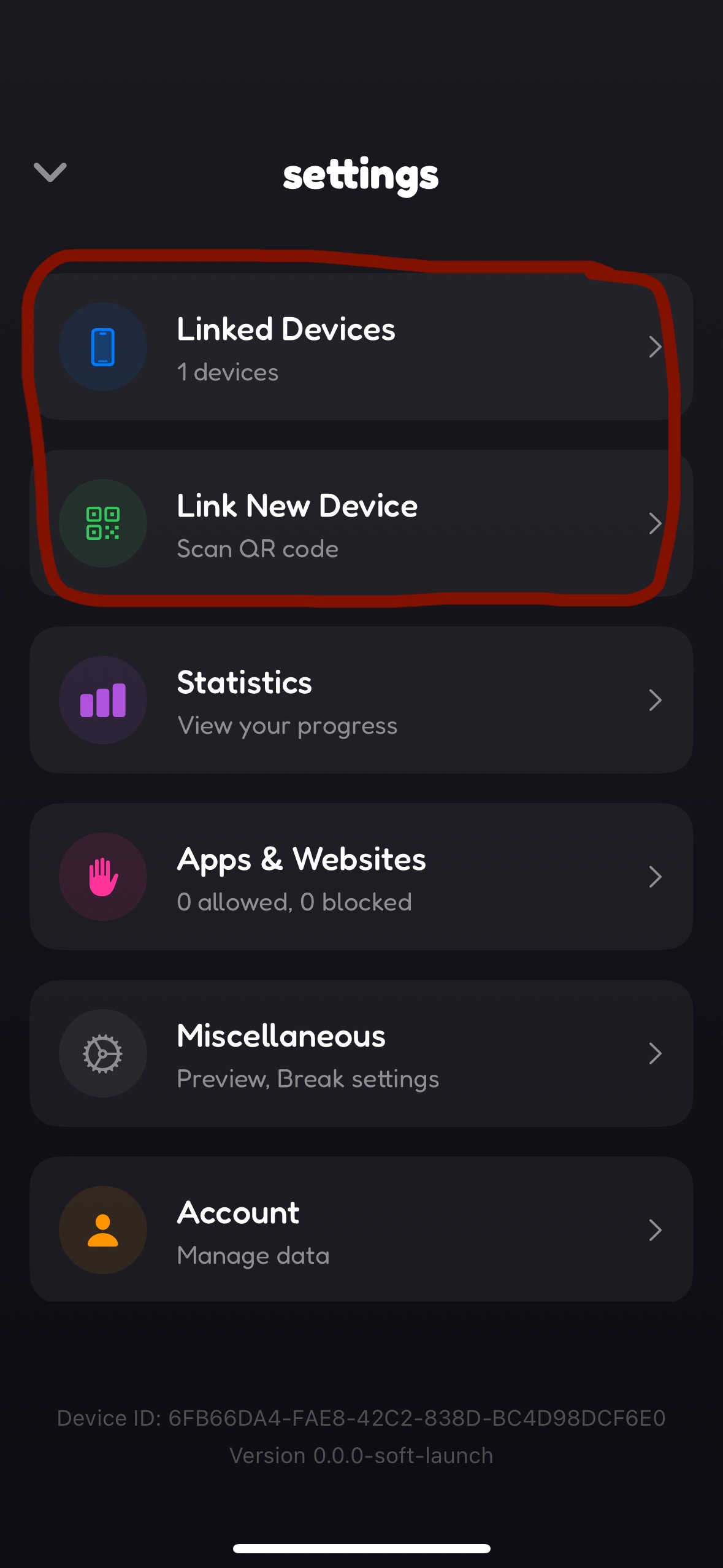
3. Link Devices
Connect studysesh on your iPhone, iPad, and Mac for easy cross-device focus.
Your devices will see each other via WiFi or bluetooth when nearby.
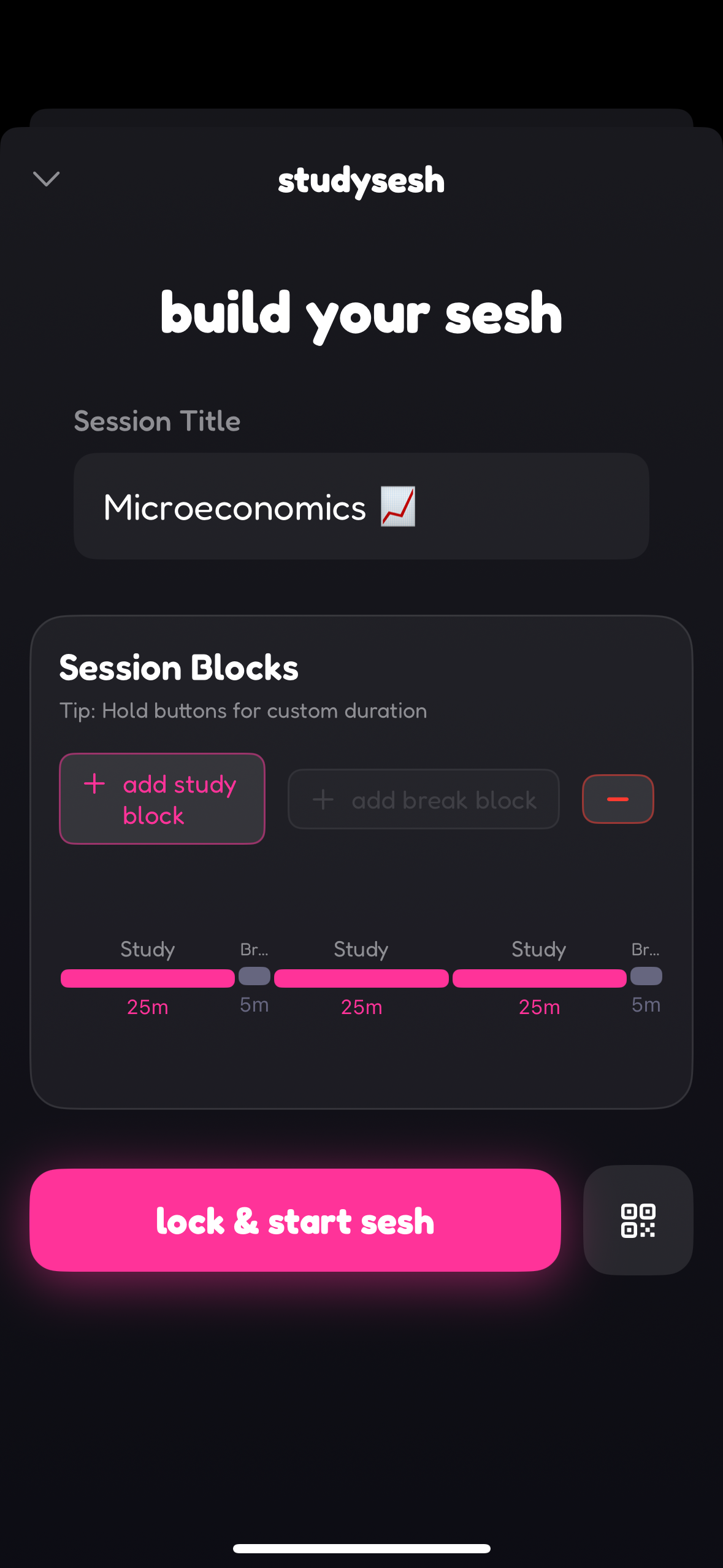
4. Build Your Session
Set up your studysesh by naming your task, and combining study and break blocks. You can press and hold on 'add study block' or 'add break block' to choose a custom duration.
5. Focus with Friends
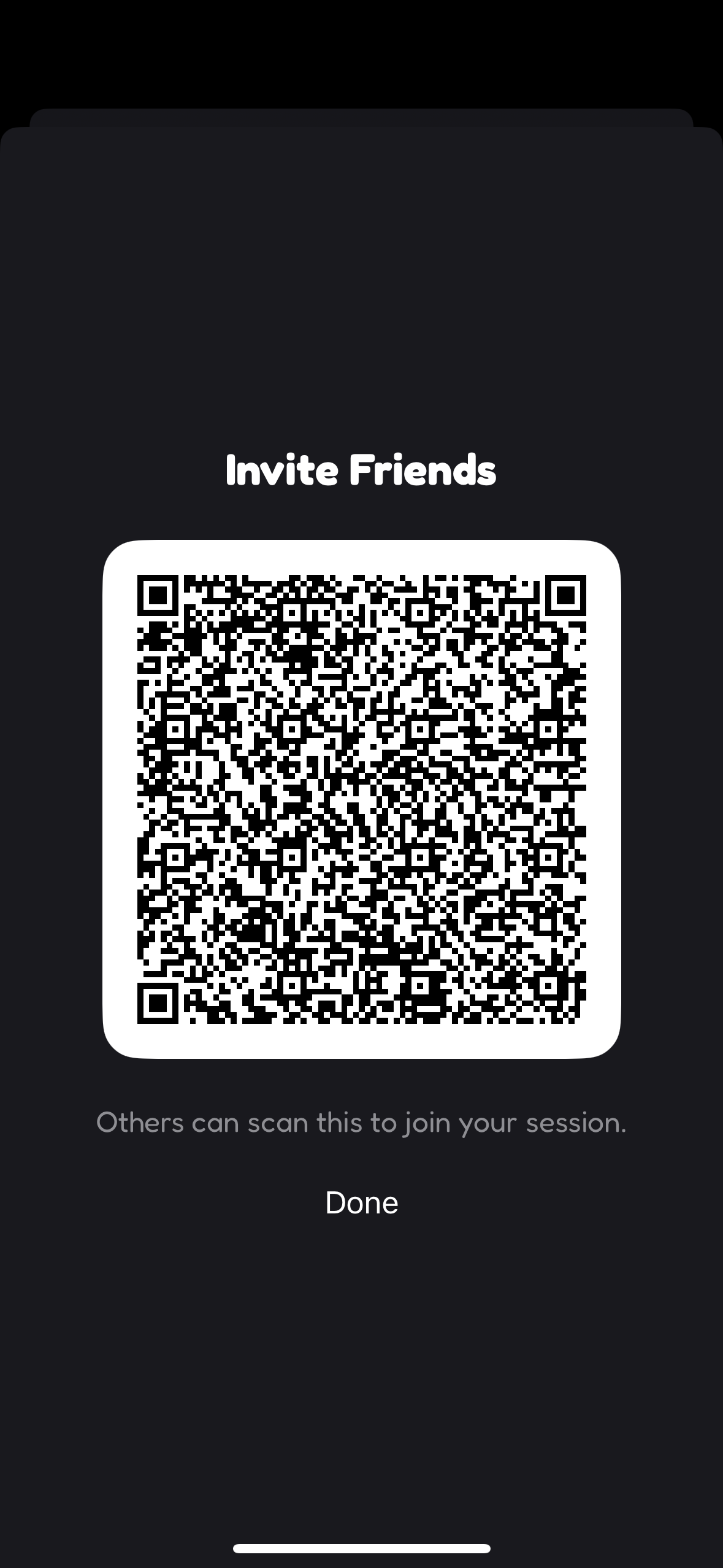
Invite friends using a QR code to join your session for collaborative focus and accountability.
Frequently Asked Questions
Before you start a studysesh, you can link together all your Apple devices. When you start, studysesh checks which devices are linked and locks the apps and websites you've chosen to block across all the devices.
Remember, you choose the apps that you want to allow and the websites you want to block.
Note that websites will only be blocked on Safari!
We are working on making sure that you can select whole categories of apps to allow, but for now, you should select individual apps and websites.
Remember, you choose the apps that you want to allow and the websites you want to block.
Note that websites will only be blocked on Safari!
We are working on making sure that you can select whole categories of apps to allow, but for now, you should select individual apps and websites.
To host a studysesh with friends, start building your studysesh session as normal. Next to the 'lock and start sesh' button, there is a little button that generates a QR code for your friends to scan so they can join your session.
To join a studysesh with friends, open the studysesh app and tap the 'join' button. Then, scan the QR code your friend has shared with you to join their session.
To join a studysesh with friends, open the studysesh app and tap the 'join' button. Then, scan the QR code your friend has shared with you to join their session.
Right now, studysesh is in beta testing and is free to use. You can try out studysesh by joining the mailing list and downloading TestFlight!
We are constantly working on new features and improvements for studysesh. Your thoughts are super valuable to us! If you have any feedback or feature requests, please reach out to us at team@studyse.sh.